Remote agent control, from anywhere
Your AI coding agents keep working. You keep moving.
Run Claude Code, Codex, Copilot, OpenCode, and shell sessions on your own machines. Leave your desk, reconnect from any device, and continue from the same live state.
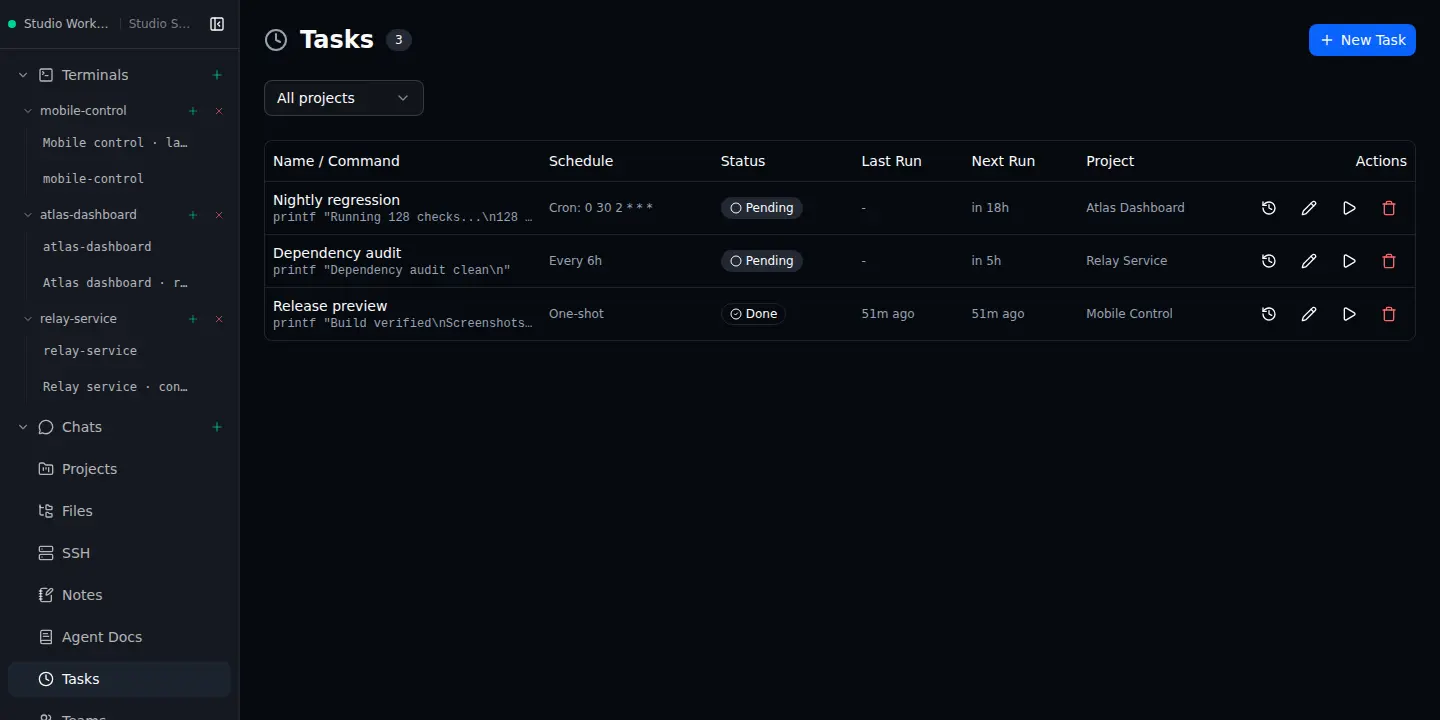 Tasks
Tasks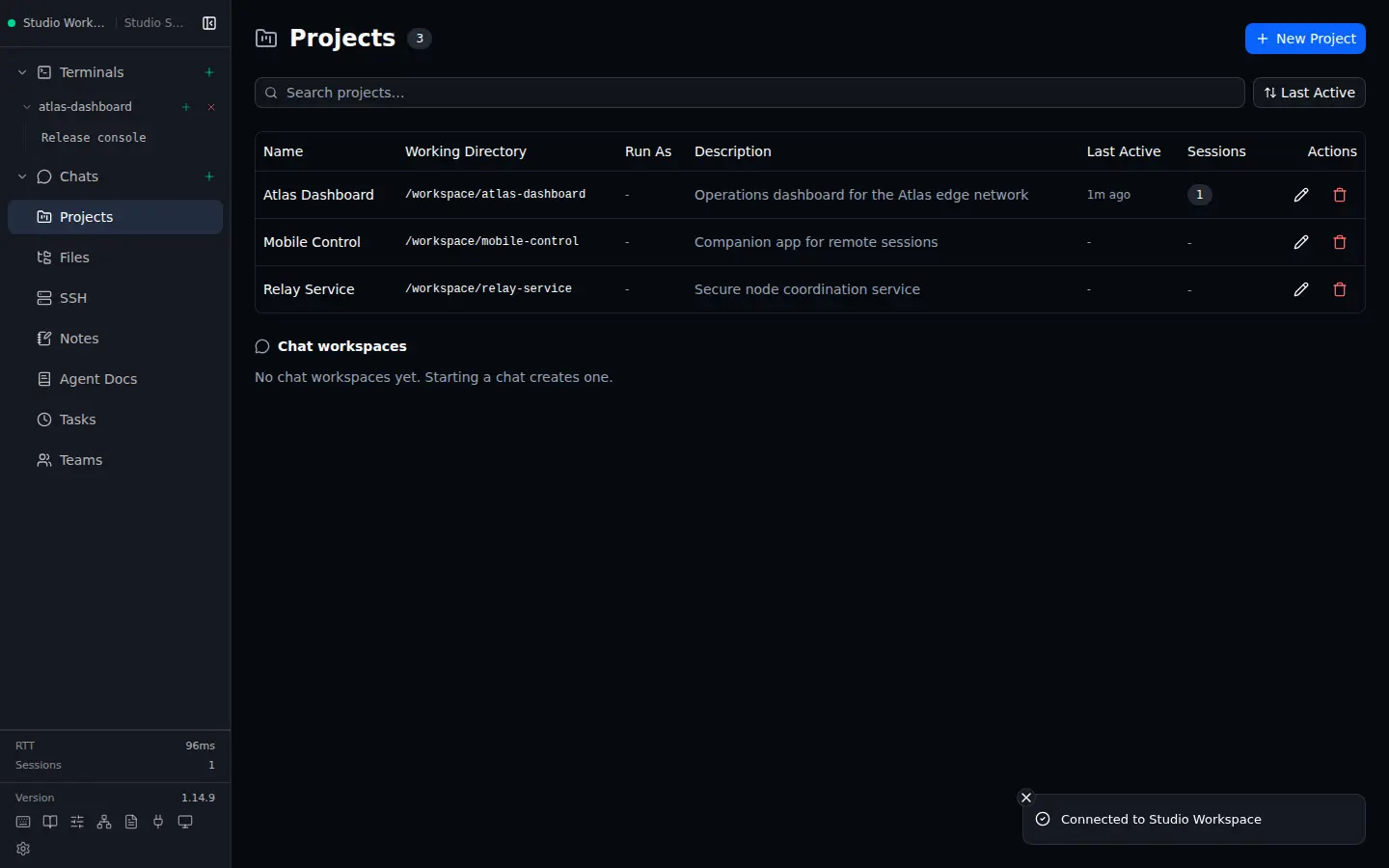 Projects
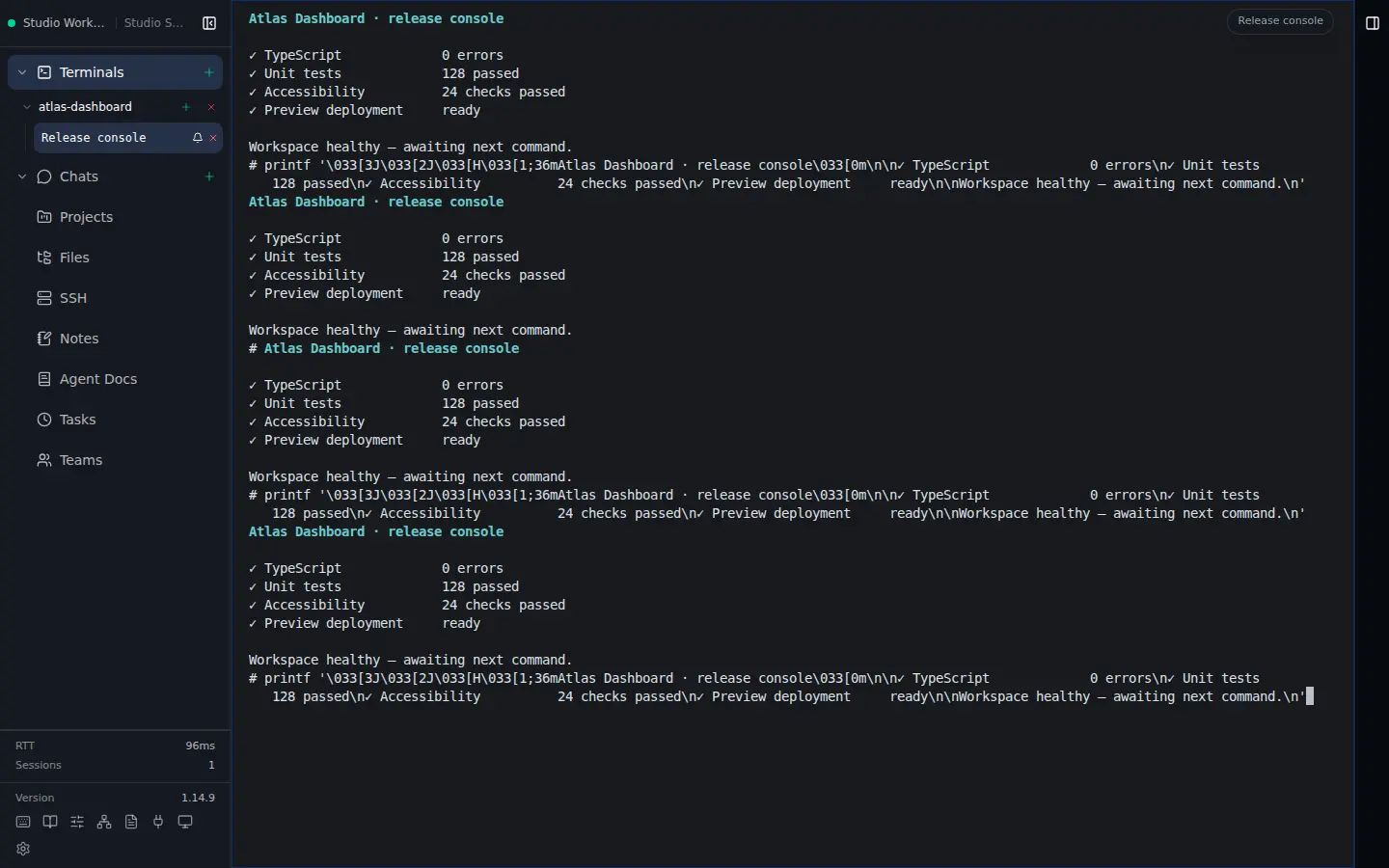 Terminal
$ curl -fsSL https://dl.clusto.app/install.sh | shWorks with the tools already in your terminal
- 01Claude Code
- 02Codex
- 03GitHub Copilot
- 04OpenCode
- 05OpenRouter
Leave the laptop. Not the work.
Clusto separates the machine doing the work from the screen you happen to have in front of you.
- 01
Install the CLI and configure your server
One curl command installs the Clusto CLI on a headless server, workstation, or home lab. Then the interactive wizard configures and starts the daemon.
- 02
Start an agent like you normally do
Launch a coding agent, native AI chat, or plain shell. Clusto keeps the session alive and records its state after your client disconnects.
- 03
Pick it up from another screen
Open the desktop, mobile, or web client and attach to the same live session. No terminal archaeology and no lost context.
One control plane for your agents
The practical infrastructure around long-running agent work: continuity, orchestration, and explicit control of the machines and configuration underneath it.
Stay connected
Detach and reattach
Sessions live on the server, not the client. Close the app, switch devices, reconnect and pick up exactly where you left off.
Cluster your machines
Join servers into a leaderless mesh. See every node, route sessions, and take over from another device without losing state.
Clusto Tunnel
Reach your nodes without Tailscale, VPNs, or port forwarding. Apps connect over direct end-to-end encrypted P2P; the web client falls back to a cloud relay. Your node's token is still required, always.
Cross-platform apps
Native desktop apps for Windows and Linux, an Android app, and a full web client that covers iPhone, iPad, and macOS today, all from one codebase.
Guided server setup
Install the CLI with the install script, then run the wizard to configure and start the daemon. The app connects to your installed nodes; Settings includes setup instructions on every platform.
Orchestrate the work
Any agent, any shell
Claude Code, Codex, Copilot, OpenCode, or a plain terminal, all managed the same way over one WebSocket connection. Paste or drag images and documents directly into terminal prompts.
Scheduled tasks
Target any online cluster node, filter or move tasks by node, and run unattended shell work once or on cron and interval schedules with history and notifications.
Native AI chats
Start durable Claude, Codex, OpenCode, or OpenRouter conversations with workspaces or Notes, and pin each chat to a specific cluster node. OpenRouter connects directly through its native HTTP API, with no OpenCode dependency.
Design sessions
A chat that designs UI instead of code. The agent writes self-contained HTML mock screens and they render live beside the conversation, at phone, tablet, or full width, clickable from screen to screen. Seed it from a project and the mocks match the real app.
Project workspaces
Keep each Project's terminals and chats together. Split, focus, maximize, balance, or close pane slots, and on desktop move a terminal, note, or chat into its own native window; workspace actions stay mirrored in F1.
Teams
Mix Claude, Codex, OpenCode, and native OpenRouter API leaders and workers in headless teams that coordinate through Clusto tools, spawn in isolated worktrees, and report results automatically.
Keep control
Reviewed agent configuration
Keep one reviewed Clusto version per user or project while preserving separate instructions for each tool, detect symlinks and unsafe path escapes, then explicitly roll out instructions, skills, subagents, and commands.
Notes vault
Pin a preferred serving node per device, then browse and edit a Markdown vault with live preview and Notes chats - synced through any S3-compatible bucket, or kept fully local.
Customizable navigation
Switch between Full and a Simple profile with Terminals, Chats, and Notes, reorder or hide feature destinations, choose Comfortable or Compact spacing, and keep Docs, Connection, Settings, and customization always available.
Encrypted cloud sync
Sign in and your saved connections and app settings follow you to every device, and on Team you can share connection profiles with your whole team. A separate passphrase encrypts everything on-device, so the cloud only ever stores ciphertext, never your cluster tokens.
Your server. Your agents. Any screen.
Start free with Personal on up to 3 devices. Choose a monthly or annual Pro or Team subscription for professional cloud sync, more devices, or team features. The desktop and mobile apps activate with just a license key, no sign-in needed.